Make trending AI videos and photos
Pick a trend, upload a photo and get a video or photo for TikTok, Reels and Shorts. No editing, no prompts.
Trending now
52 trends Christmas PhotoshootGet the candy cane Christmas glam photoshoot: sequins, a giant lollipop, candy canes and snow.~3 minVacuum DefeatedYour dog or cat finally stands up to the robot vacuum, and the vacuum backs off and hides under the sofa.
 Snow GlobeSee yourself inside a Christmas snow globe, with swirling snow.~3 minPet Birthday PartyA birthday party for your dog or cat: party hat, a cake with a candle, and little animal guests arriving with presents.
 I'm So Sorry Glow-UpMake the over-edited first slide of the “I'm so sorry” trend, then post your real photo after it.~4 minPhone on the TrainSing to a phone on a train window, run alongside and fall behind, in a 10-second AI video.
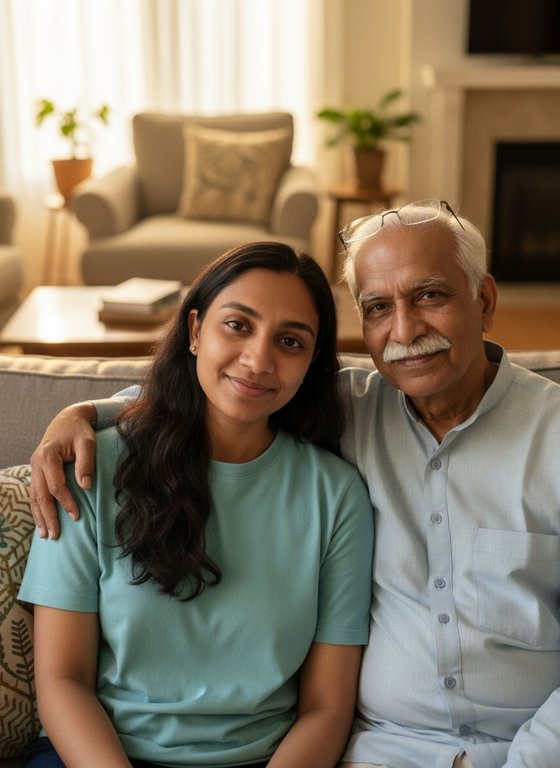 Photo With a Loved OnePut yourself and someone you love in one warm photo together, from a photo of each of you.~3 minAI HugSee yourself and someone you love turn to each other and share a warm hug, in a 5-second video.~3 minReunion HugRun up sunny park steps to someone you love and share a long, joyful hug, in a 5-second video.~3 minRap Duo StudioYou and a friend in a neon-lit recording studio, taking turns rapping at your own microphones, in a 5-second video.
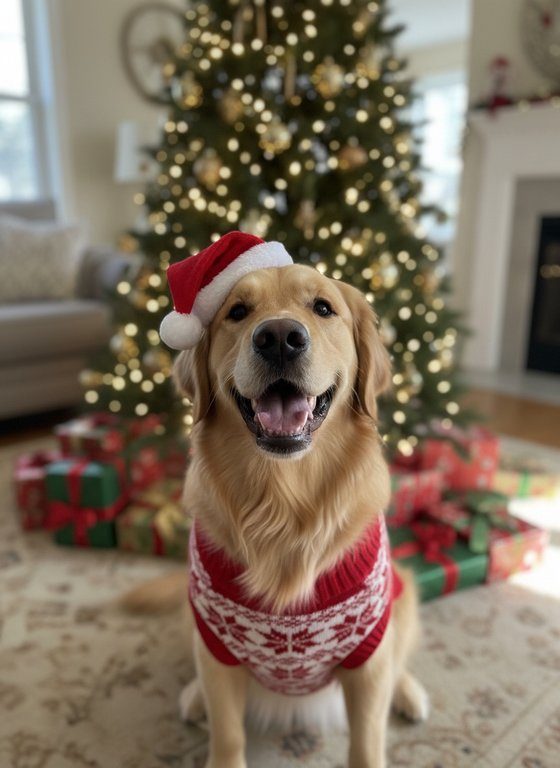 Christmas Pet PhotoYour dog or cat by the Christmas tree in a Santa hat and a knitted jumper, from one photo.~4 minPet Pulled OverYour dog or cat at the wheel in a grey hoodie, pulled over at night, giving the body camera an innocent, blank stare.~3 minKnight CatYour cat or dog as a tiny knight in silver armour on a stormy moor, struggling to drag a giant sword.~3 minTug-of-War ChampYour dog or cat takes on a huge Great Dane at tug-of-war, and wins: one mighty tug pulls the big dog forward, flat on its belly, to your pet’s paws.~3 minSquirrel ChaseA cheeky squirrel teases your pet from the fence; one big leap, the squirrel drops its acorn and runs, and your pet trots off with the prize.~3 minTiny but MightyPick a giant opponent, from a Great Dane to a huge Maine Coon: your small pet stands its ground, gives one mighty bark, and the giant runs away.~3 minPet vs OwnerYou against your dog or cat at tug-of-war, and your pet wins: it backs away pulling hard and drags you off your feet and across the grass after it.~3 minBath Time ChampionThe pet that hates baths, loving one: a bubble bath and a slow-motion shake like a shampoo advert.~3 minBest in ShowYour dog or cat wins Best in Show: top of the podium with a gold rosette and trophy, confetti falling and a crowd of pets cheering.~3 minGiant Pet in a Tiny TownYour dog or cat as a gentle giant, as tall as the houses, strolling down the cobbled street of a tiny, colourful old town.~3 minEpic Cat PushYour cat, a moody spotlight and a full glass of water: one slow, deliberate push, filmed like an epic movie scene.
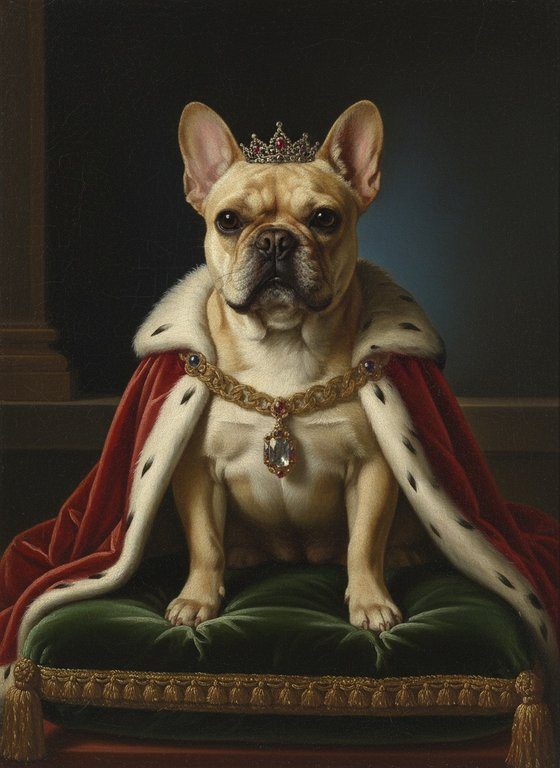 Royal Pet PortraitTurn your dog or cat into royalty: an old oil painting with a crown, a velvet cape and an ermine collar.
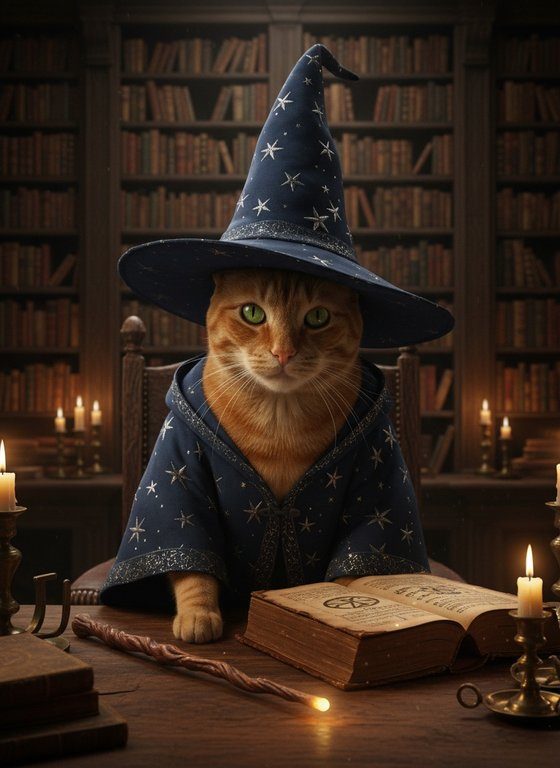 Pet WizardYour dog or cat as a wizard, in a starry robe and pointed hat, in a candlelit library.~1 minRetro 80s VideoTurn one photo into a 5-second 80s music-video moment, with neon, grain and a slow camera push.
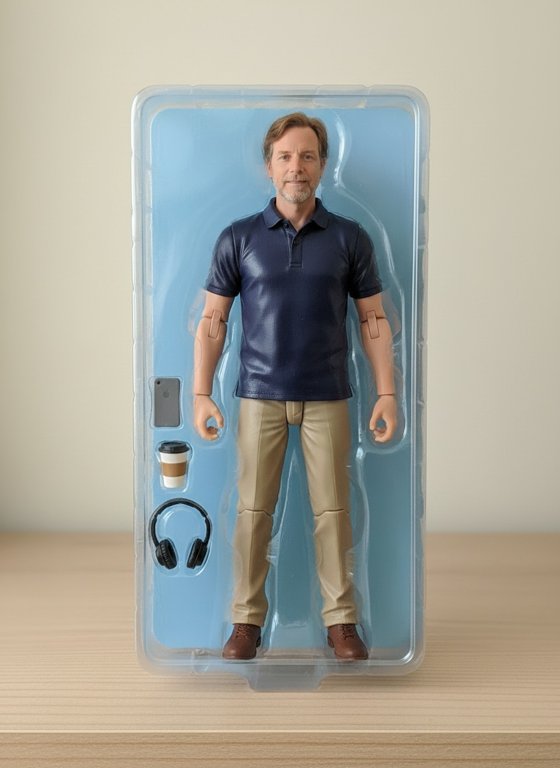 AI Action FigureBecome a collectible action figure in its pack.~1 minPainting Comes AliveBecome an oil painting, brush strokes and all.~1 minInstant MusclesWatch yourself bulk up into a bodybuilder in 5 seconds.~1 minBride LookSee yourself in a lace wedding dress with a bouquet.~1 minAnime MeTurn yourself into an anime character.
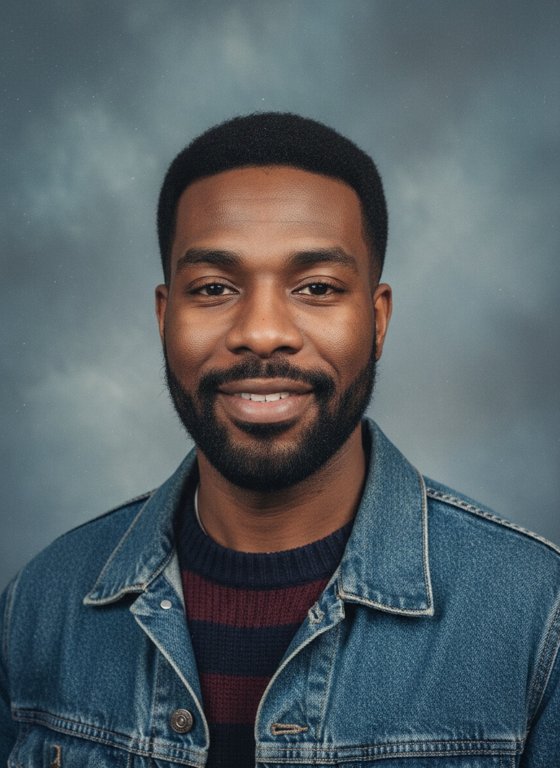 90s YearbookGet your 1990s yearbook portrait.~1 minBaby MeSee yourself turned into a baby.
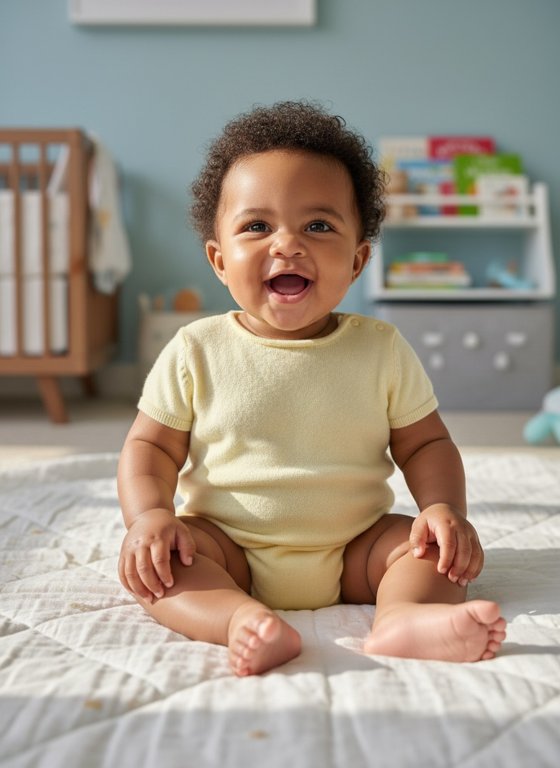 Baby Me PhotoSee yourself as a giggling baby, in a photo.~1 minPuppy LoveGet surrounded by playful puppies.~1 minVIP Red CarpetWalk the red carpet while the cameras flash.~1 minPrincessBecome a princess with a tiara and ball gown.~1 minMeet Your Younger SelfTake a selfie with a younger version of yourself.~1 minCake MeGet sliced open to reveal you're made of cake.~1 minZen GardenStand calmly in a Japanese garden, fan in hand.
 CaricatureA friendly hand-drawn caricature of you.~1 minClassy EveningDress up for an elegant, candle-lit evening.
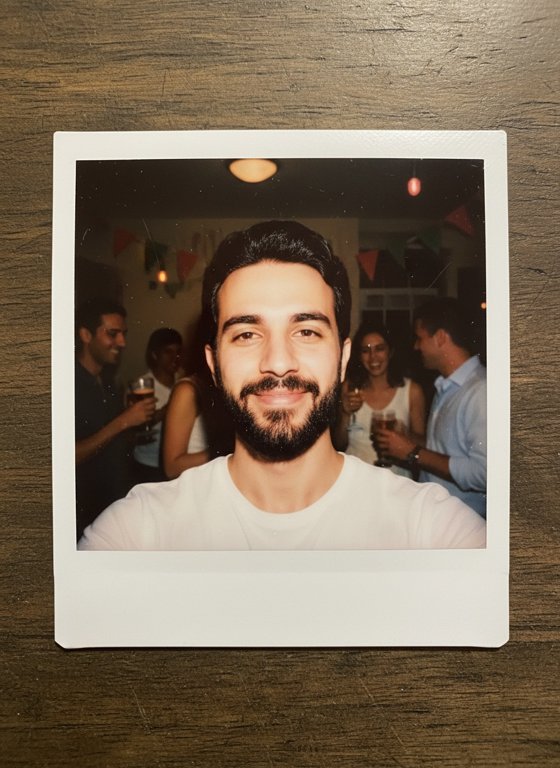 Instant FilmTurn your photo into an instant-film snapshot.~1 minWarriorBecome a warrior in 5 seconds.
 Anime Me PhotoAn anime-style portrait of you.
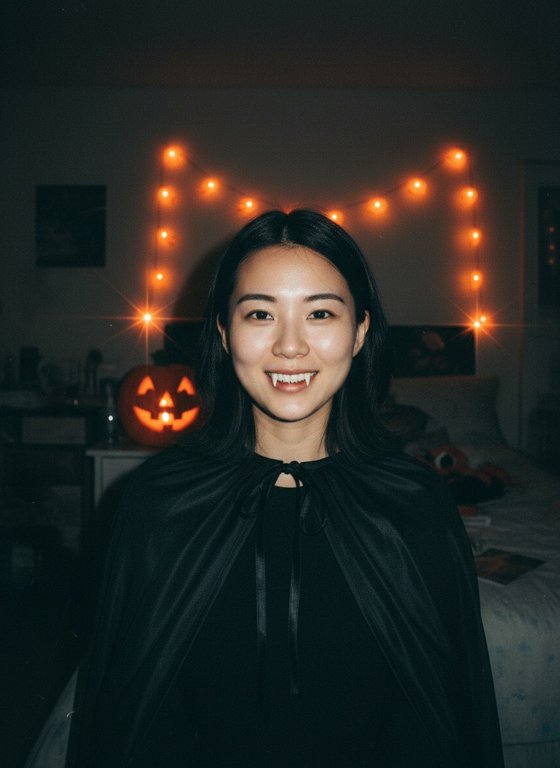 Halloween FlashA Y2K Halloween party snapshot of you, flash and all.
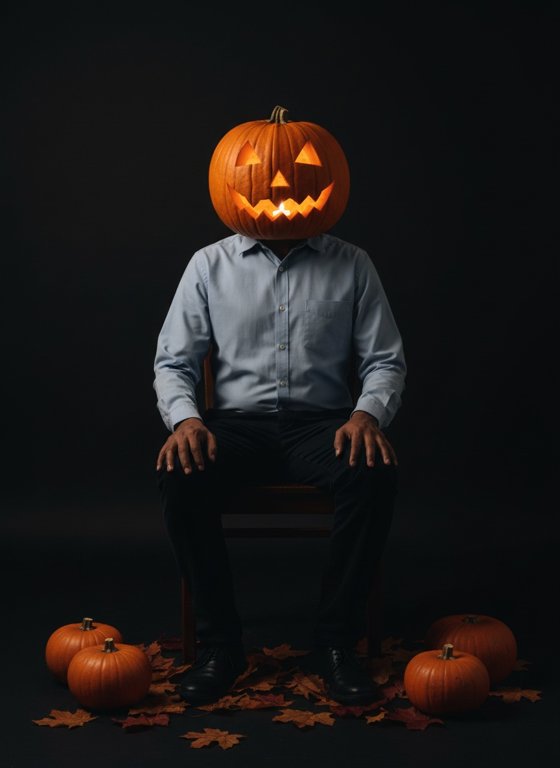 Pumpkin Head PhotoshootA moody autumn portrait of you with a glowing jack-o’-lantern head.
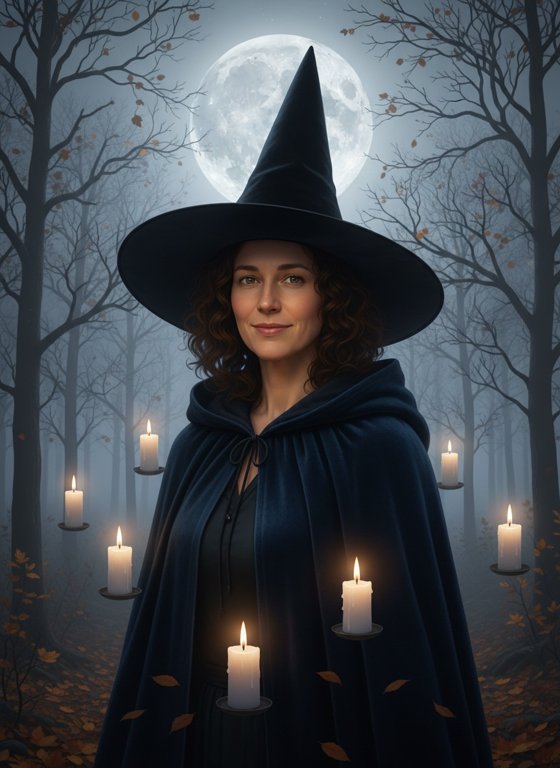 AI WitchSee yourself as a witch in a misty, moonlit forest.
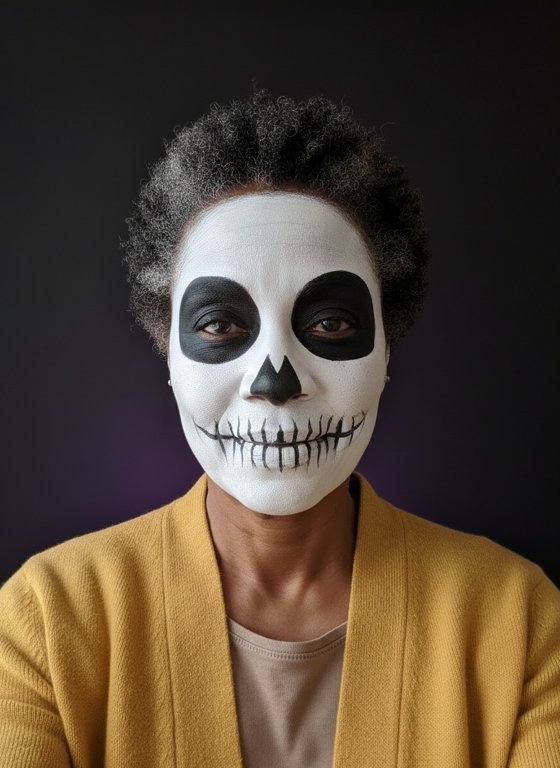 Skeleton Face PaintTry neat Halloween skeleton face paint on your own face.
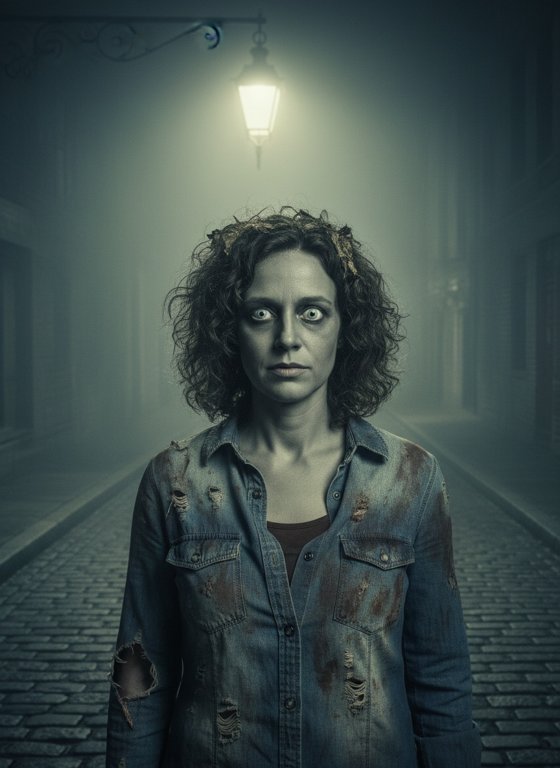 Zombie MeSee yourself as a family-friendly Halloween zombie on a foggy street.~4 minWitch TransformationWatch yourself transform into a witch in a swirl of purple magic.~4 minFire DemonTurn into a horned fire demon in a burst of flames.~4 minPumpkin Head TransformationWatch your head turn into a flaming jack-o'-lantern.~4 minZombie TransformationWatch yourself turn into a zombie in a foggy graveyard.
How to make a trending video
Each one is a ready-made look and motion.
A clear photo of a face works best.
Ready for TikTok, Reels and Shorts.
Questions
How do I make a trending video?
Pick a trend below, upload a clear photo (two for the trends made for two people), and we turn it into a short video or a photo in that trend’s style. No editing app and no prompts to write.
Is it free?
New accounts get 10 free credits (up to 1 video, or 10 photos): most videos use 10 (Phone on the Train 15) and a photo 1. Paid plans are coming soon.
How long does it take?
Most trends are ready in about 1 to 5 minutes. You don’t need to keep the page open: we email you when your video is ready.
Can I post it on TikTok, Instagram Reels and YouTube Shorts?
Yes. Most videos are 5 seconds long (Phone on the Train is 10) and work best from a portrait photo, the shape those apps use. Free videos carry a small maketrending.com mark. The apps ask creators to label realistic AI-generated content, so turn on their AI label when you post.
Will my video go viral?
Nobody can promise that. Trends move fast, so posting while a trend is new, with a short caption, gives your video the best chance.
What happens to my photo?
It’s used only to check the photo and make your video, and deleted as soon as your video is ready. Videos are kept for 7 days so you can download them.